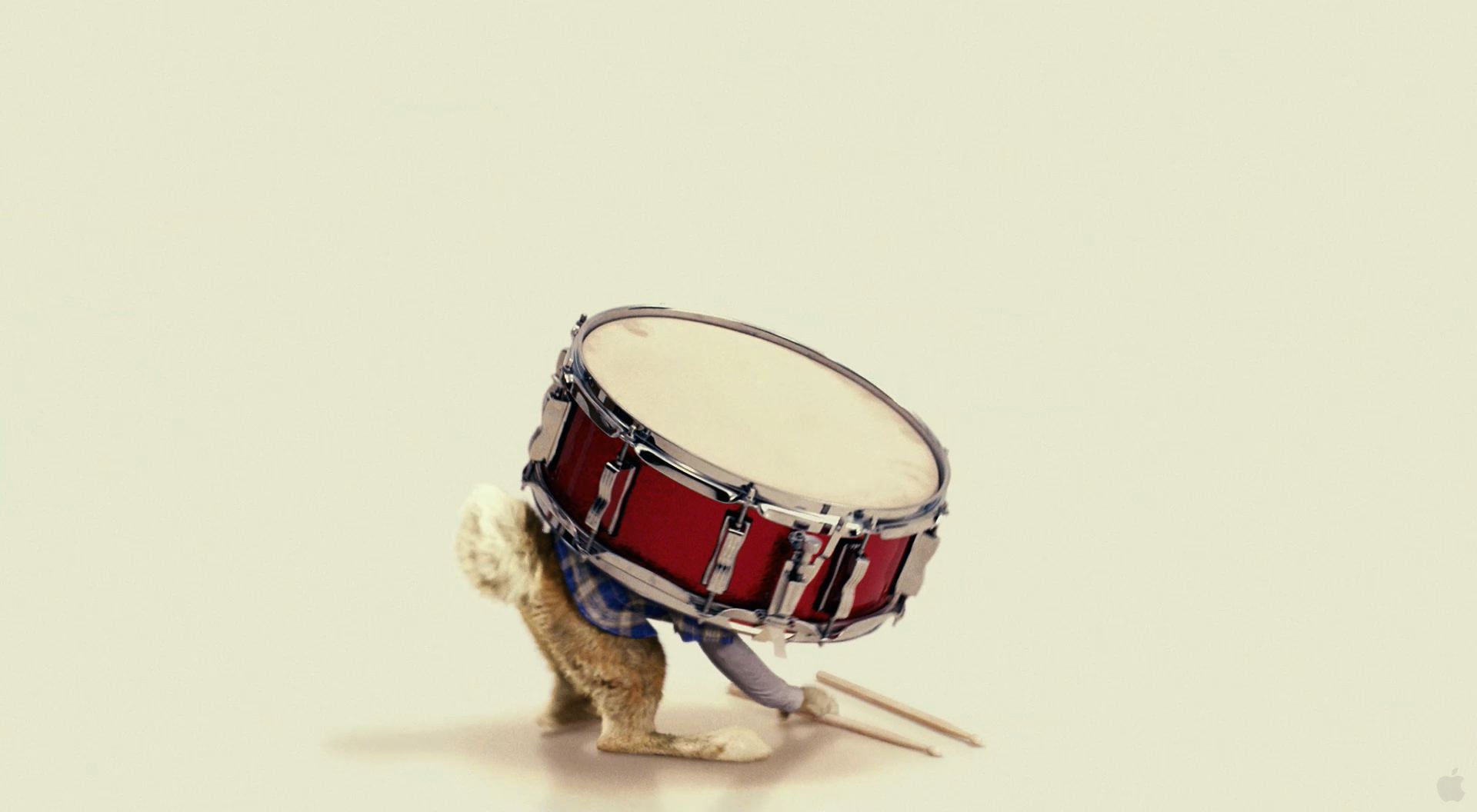
Easter Bunny Carries a Snare Drum in Movie Hop Wallpaper
Free and Legal Music Downloads! Act Now!
Wallpaper picture of the Easter Bunny (called E.B.) a rabbit carrying a drum from the CG animated and live action Universal Studios movie Hop (2011) wallpaper.
See all Hop Movie wallpaper...
The Easter Bunny’s son, E.B. (Russell Brand) has been groomed since birth to take over the family business. Years of sitting through egg-painting classes and candy-production tutorials, as well as honing his lightning-fast reflexes have all led up to the day he is supposed to claim his birthright. But since he was a baby bunny thumping on his bongos, all E.B. has ever wanted was to become a drummer. Hours before his coronation (when he’s to inherit the mantle of the Easter Bunny) he flees Easter Island for L.A. to pursue his dreams.
Blending state-of-the-art animation with live action, Hop tells the comic tale of Fred (James Marsden), an out-of-work slacker who accidentally injures the Easter Bunny (rabbit voiced by Russell Brand) and must take him in as he recovers. As Fred struggles with the world's worst houseguest, both will learn what it takes to finally grow up. The film is helmed by Tim Hill, director of the blockbuster Alvin & the Chipmunks and produced by Chris Meledandri's Illumination Entertainment (Despicable Me). This Hop movie desktop background wallpaper picture image photo is copyright by Universal Studios and can be used as iPhone wallpaper and iPad wallpaper backgrounds as well as with Mac and PC pictures.
Mac/PC Instructions:
- Click preview image above to download or view full size free desktop wallpaper.
- Right-click on full size image and select option to set as wallpaper or desktop background/picture.
iPhone/iPad Instructions:
- Tap preview image above to display full size wallpaper image for the iPhone/iPad.
- Touch and hold your finger on the image until the side-up menu appears and select "Save Image".
- Go to Settings and select Wallpaper.
- Select either the lock screen or springboard background.
- Select "Camera Roll" and find the image you saved in step 2 and tap it.
- Move and scale the image as desired, then tap "set" to set iPhone/iPad wallpaper background.
License and Terms of Use
- These pictures are NOT stock photos and may not be used as such.
- Wallpaper images are licensed for personal use as desktop backgrounds ONLY.
- All commercial use of these images and pictures is prohibited.
- These desktop backgrounds and wallpapers may NOT be reproduced, retransmitted, or redistributed in whole or in part, in any form or by any means, without express written consent.
- Wallpaper may NOT be altered or modified.
- The watermark on the picture may NOT be altered, removed or obscured.